Running Network Optimization to Maximize Profits
TIP
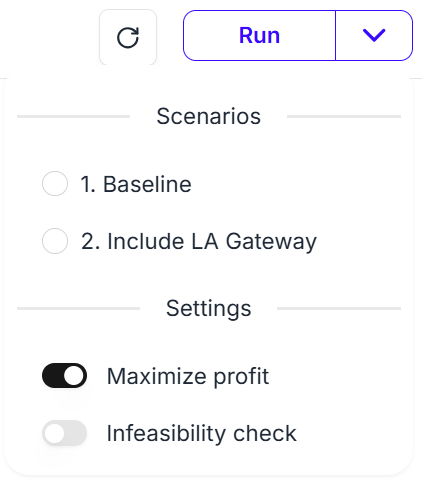
You can run network optimization to maximize profits by adjusting the optimization run options.
By default, network optimization is run to minimize costs.
Cost Minimization vs. Profit Maximization
In the default cost minimization mode, optimization runs to satisfy the quantity specified in the Demands sheet. If the demand cannot be satisfied, an Infeasibility Error is returned.
In profit maximization mode, the quantity in the Demands sheet is treated as the maximum demand to fulfill, not a hard requirement. As a result, cases that would produce an Infeasibility Error under cost minimization may succeed under profit maximization.
How to Configure
The setting is straightforward. Click the dropdown button to the right of the Run button, open Settings, and turn on Maximize profit to run optimization in profit maximization mode.