Errors During Data Upload
Fix the Excel File Based on the Error Message
WARNING
If an error message appears, you need to correct the data in the Excel file before uploading again.
Use the error message as a guide to fix your Excel file.
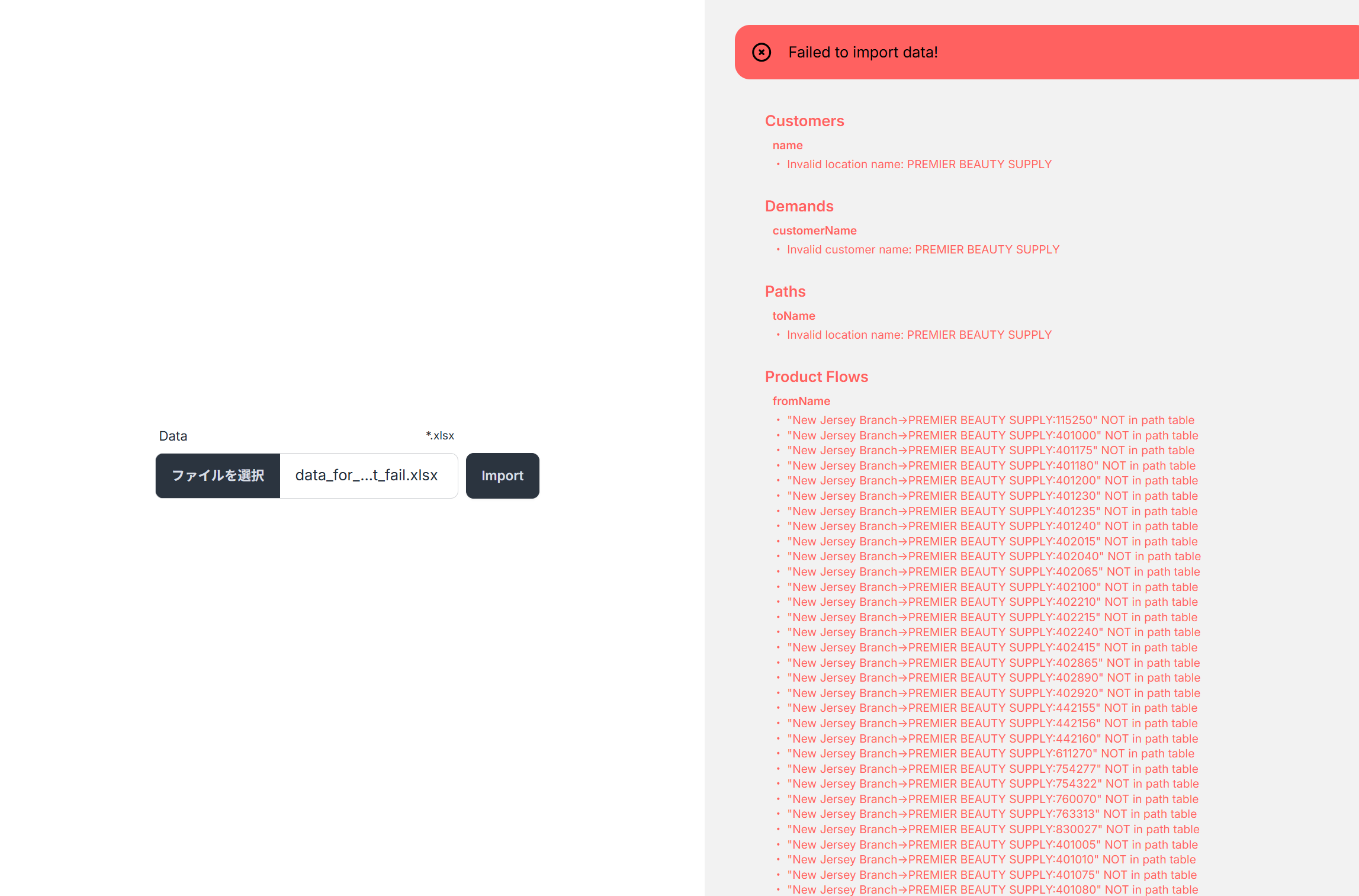
Reading the Error Message
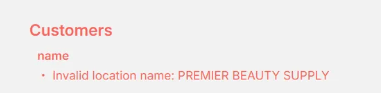
In this example, the error indicates that "PREMIER BEAUTY SUPPLY" in the name column of the Customers table is not a valid location name. This means that a name was defined in the Customers table that does not exist in the Locations table. Check whether "PREMIER BEAUTY SUPPLY" exists in the Locations table and whether there are any typos.
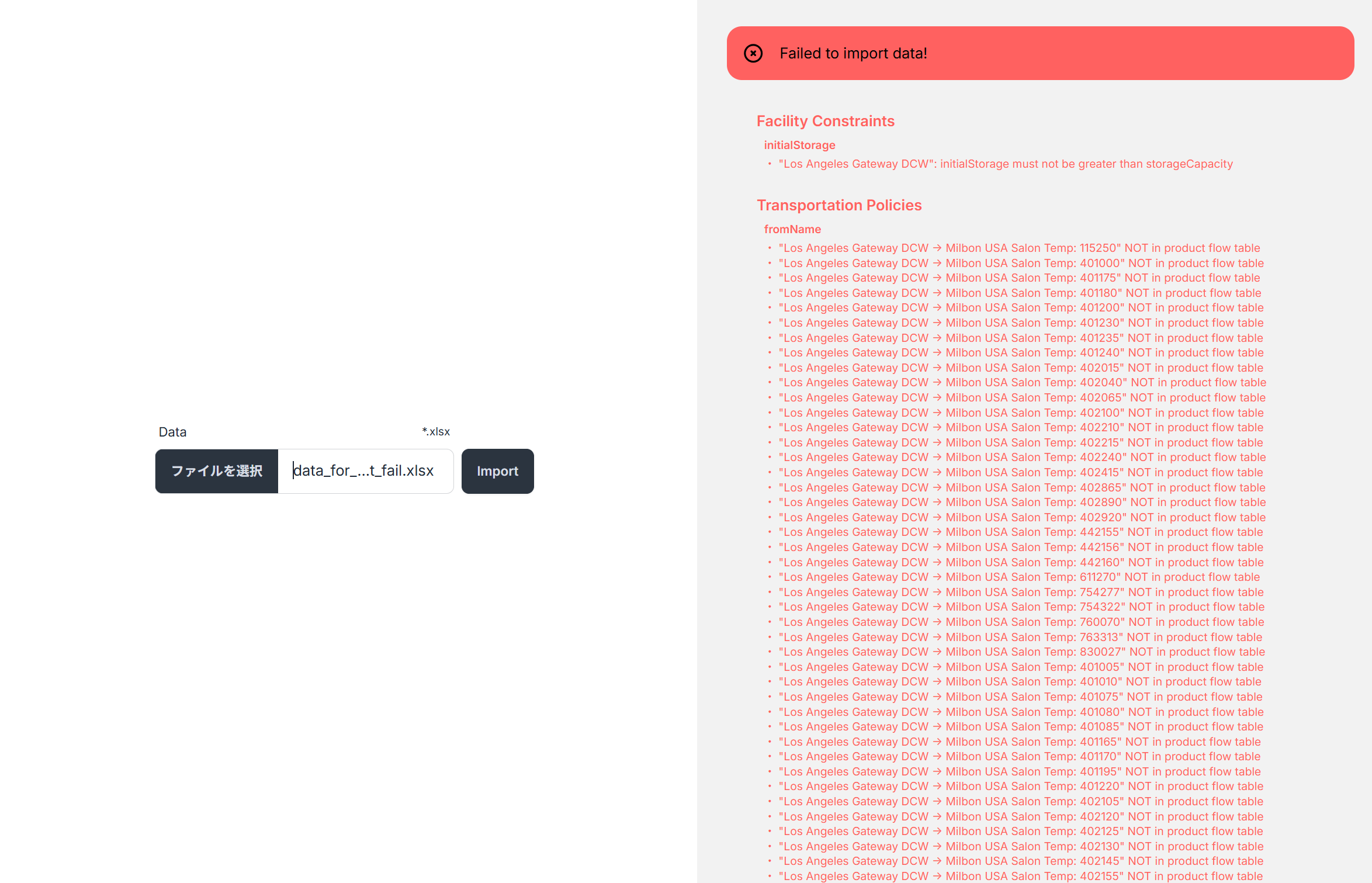
Fix and Re-upload the Excel File
Add "PREMIER BEAUTY SUPPLY" to the Locations table and try uploading again. You will see that the error message has changed.
Repeat Until No Errors Remain
Continue reviewing error messages, updating the Excel file, and re-uploading until the import succeeds.
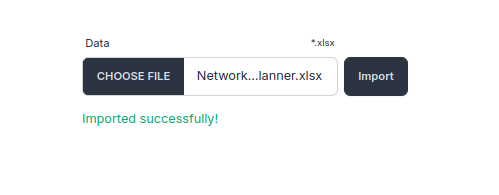
When you see the Imported successfully! message, the import is complete. 🚀